Image Cropper
Introduction
A customizable Image Cropper component. It expects a base64 string as v-model.
- Class props for individual styling
- Props
Props
| Prop | Type | Default | Description |
|---|---|---|---|
| v-model | string | The base64 image | |
| aspect-ratio | number | 1 / 1 | The aspect ratio of the stencil |
| rotation-angle | number | 90 | The angle, by which the image will be rotated, when one of the rotation buttons is pressed. |
| zoom | boolean | true | If set false, the image won't be automatically zoomed, as soon as you change the stencil size. |
| stencil-width | number | 500 | The width of the stencil |
| stencil-height | number | 500 | The height of the stencil |
Slots
| Name | Description |
|---|---|
| buttonsBar | The buttons, under the image. |
v-bind values
| Name | Description |
|---|---|
| cropperRef | The reference of the actual cropper |
| emit | The emits |
Slot-button functions
| Function | Description |
|---|---|
| cropperRef.rotate() | Function to rotate the base64 image. Negative values to rotate counter-clockwise. Positive values to rotate clockwise. |
| cropperRef.getResult().canvas.toDataURL() | To get the base64 value, of the stencil-content. |
Examples
Minimal working example
parent.vue
<template>
  <div class="wrapper">
    <ImageCropper v-model="***LINKTOBASE64IMAGE***" />
  </div>
</template>
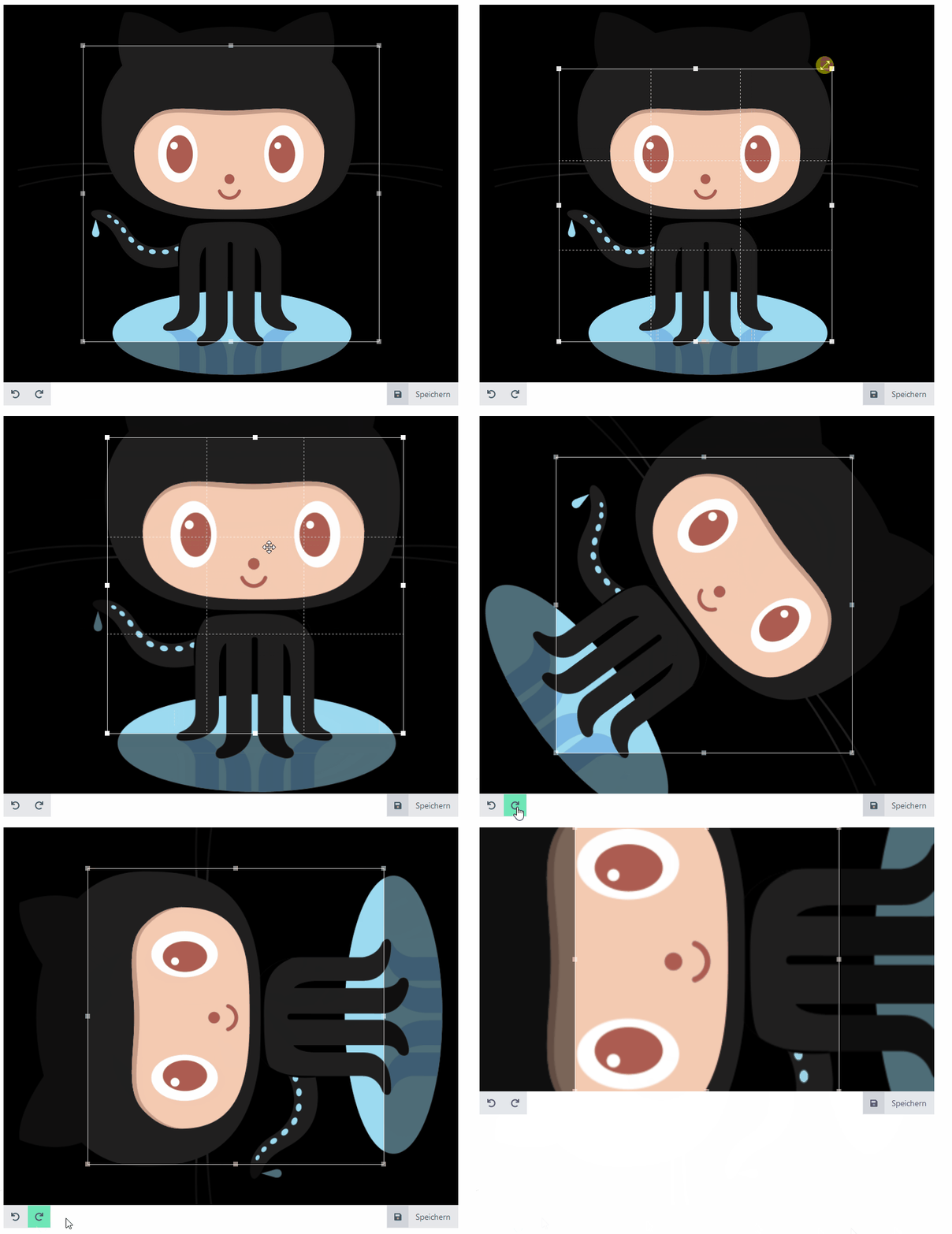
Output:
Example with aspect-ratio, rotation-angle and zoom set
parent.vue
<template>
  <div class="wrapper">
    <ImageCropper
      v-model="***LINKTOBASE64IMAGE***"
      :aspect-ratio="16 / 9"
      :rotation-angle="10"
      :zoom="false"
    />
  </div>
</template>
Output: 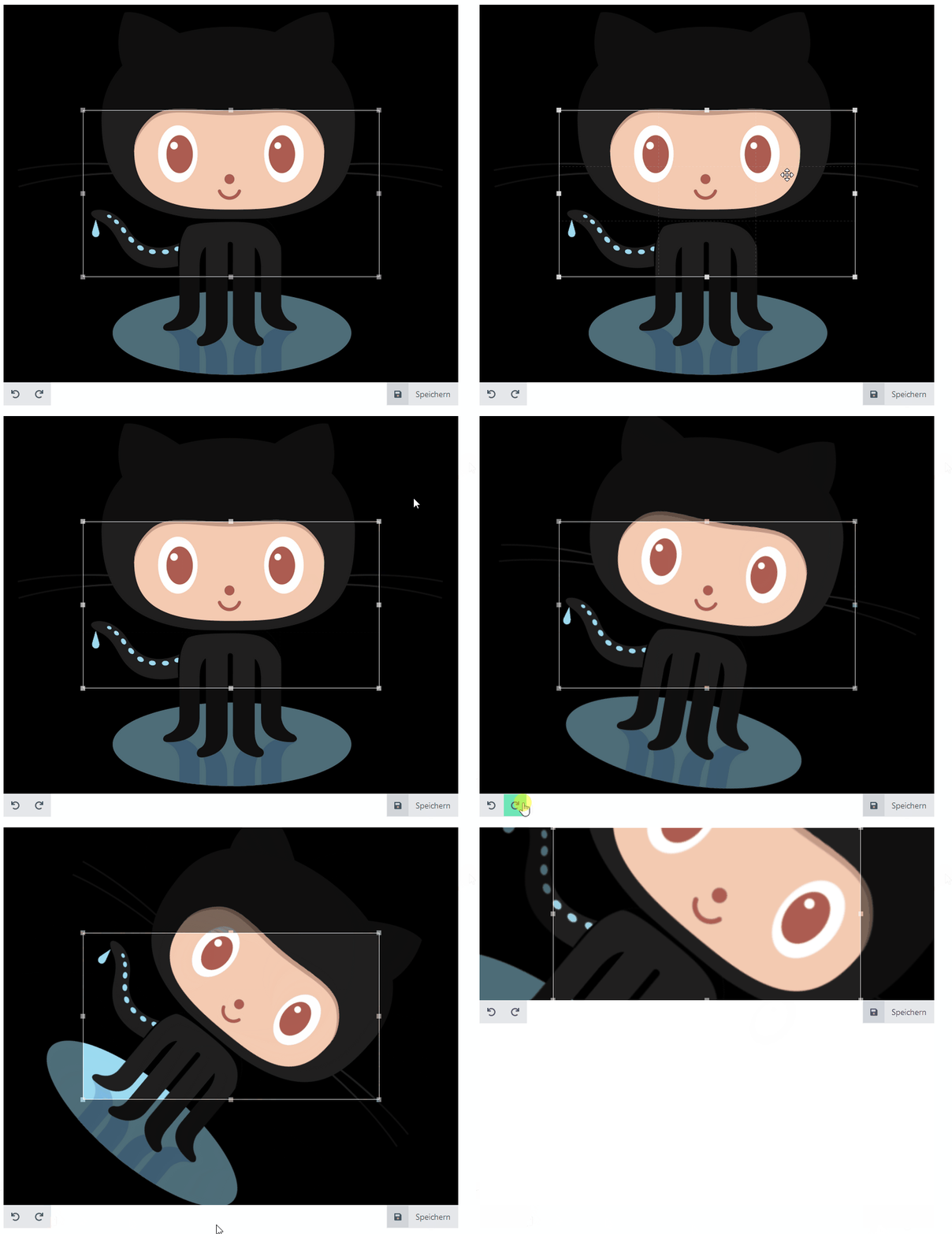
Example with all props
parent.vue
<template>
  <div class="wrapper">
    <ImageCropper
      v-model="***LINKTOBASE64IMAGE***"
      :aspect-ratio="16 / 9"
      :rotation-angle="10"
      :zoom="false"
      :stencil-width="300"
      :stencil-height="300"
    />
  </div>
</template>
Output:
In this case, because of the aspect-ratio, the height won't be set to 300, but the width will, to guarantee the aspect-ratio.

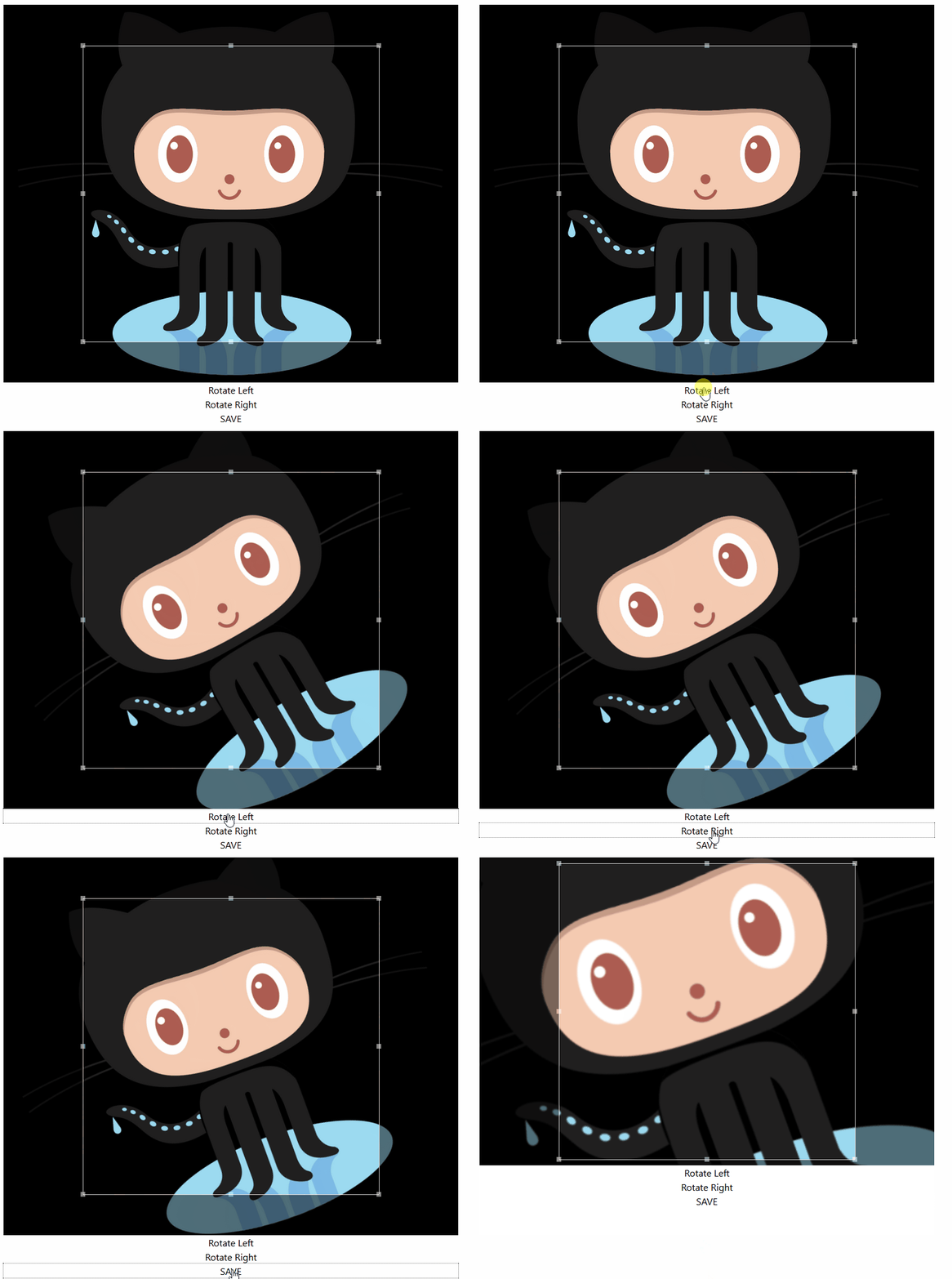
Example with own buttons, passed through the slot.
<template>
  <div class="wrapper">
    <ImageCropper v-model="***LINKTOBASE64IMAGE***">
      <template #buttonsBar="{ cropperRef, emit }">
        <button @click="cropperRef?.rotate(-***ROTATIONANGLE***)">
          Rotate Left
        </button>

        <button @click="cropperRef?.rotate(***ROTATIONANGLE***)">
          Rotate Right
        </button>

        <button
          @click="
            emit(
              'update:modelValue',
              cropperRef?.getResult().canvas.toDataURL()
            )
          "
        >
          SAVE
        </button>
      </template>
    </ImageCropper>
  </div>
</template>
Output: